You start with
Your offer, its intended audience and the actual destination for enquiries.
Write Your Offer Page and Check for Yourself That the Lead Arrives
One-time payment · individual professional license
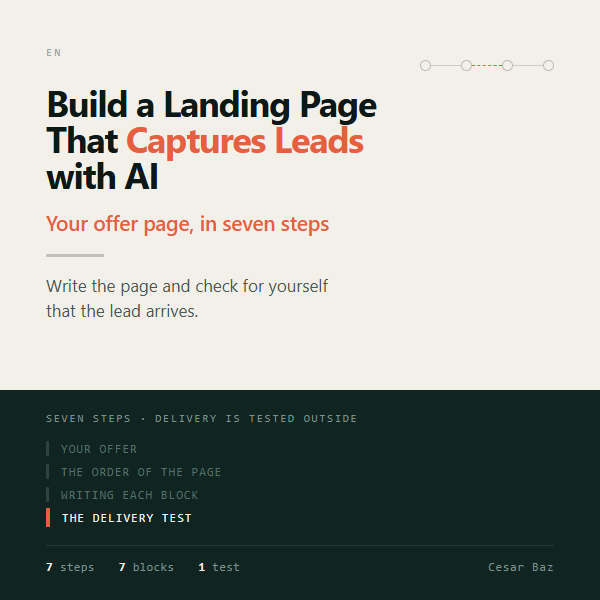
A good-looking page is not enough if the offer is unclear or enquiries never reach their destination. Turn your offer into a page and check the journey before publishing it.
Your offer, its intended audience and the actual destination for enquiries.
landing.html (the page, which opens and works), the seven blocks in a text file, and the check record.
Build a Landing Page That Captures Leads with AI is a tool for writing your offer page and getting it ready to receive leads, in seven steps. It starts from what you sell and what holds your client back: the heaviest objection decides the order of the page.
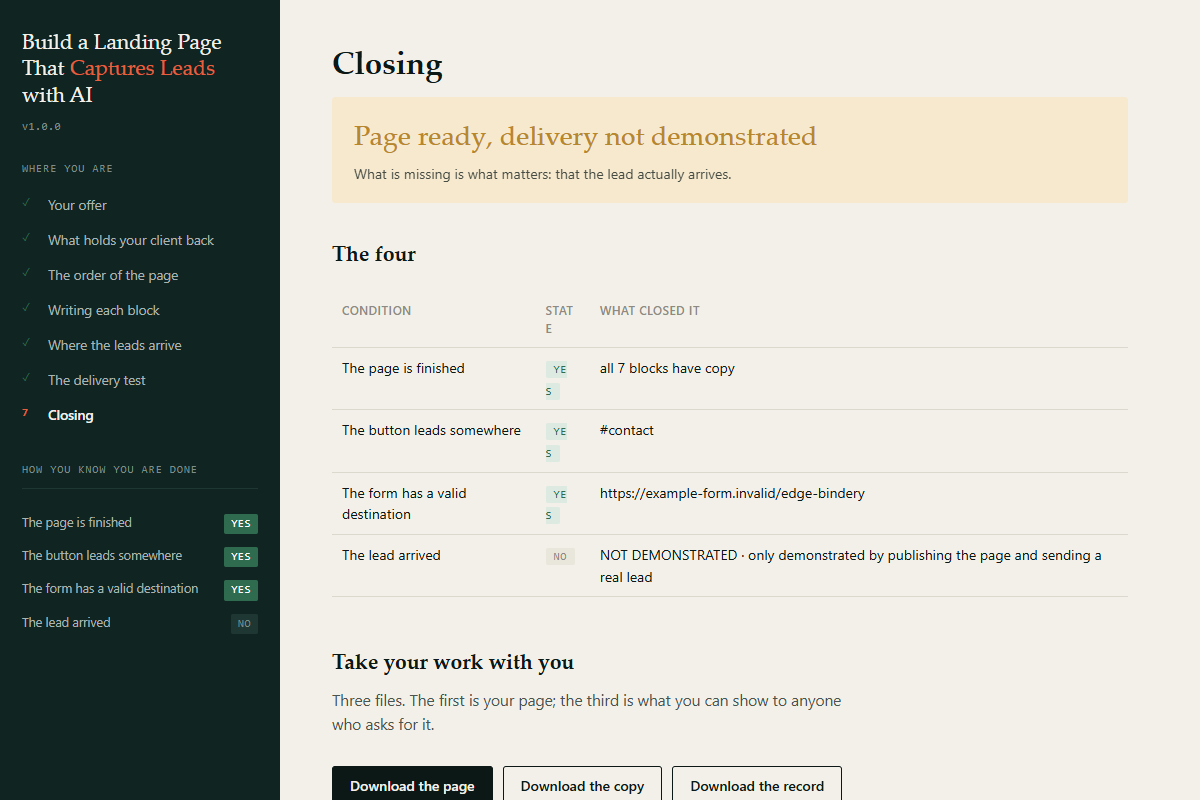
Actual screenshots of the included example. Demo data is fictional: it is not a client result or a performance promise. Open each image to see it at full size.
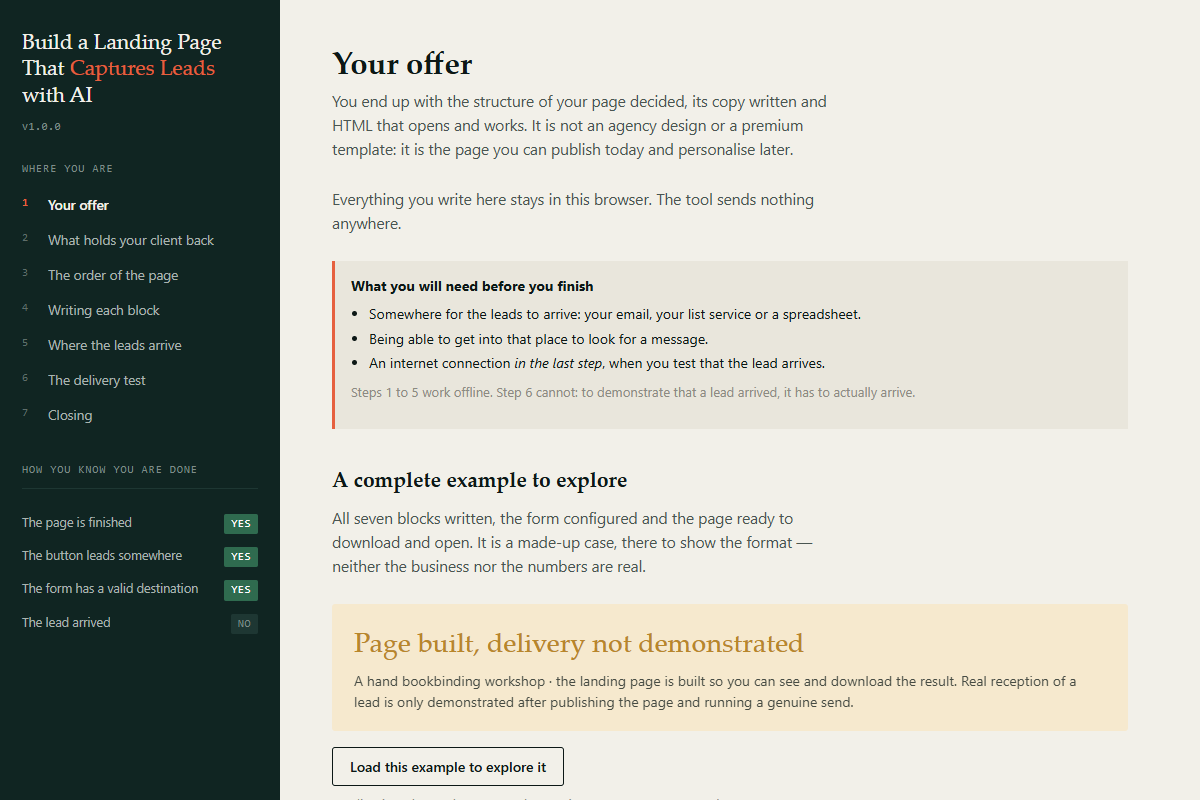
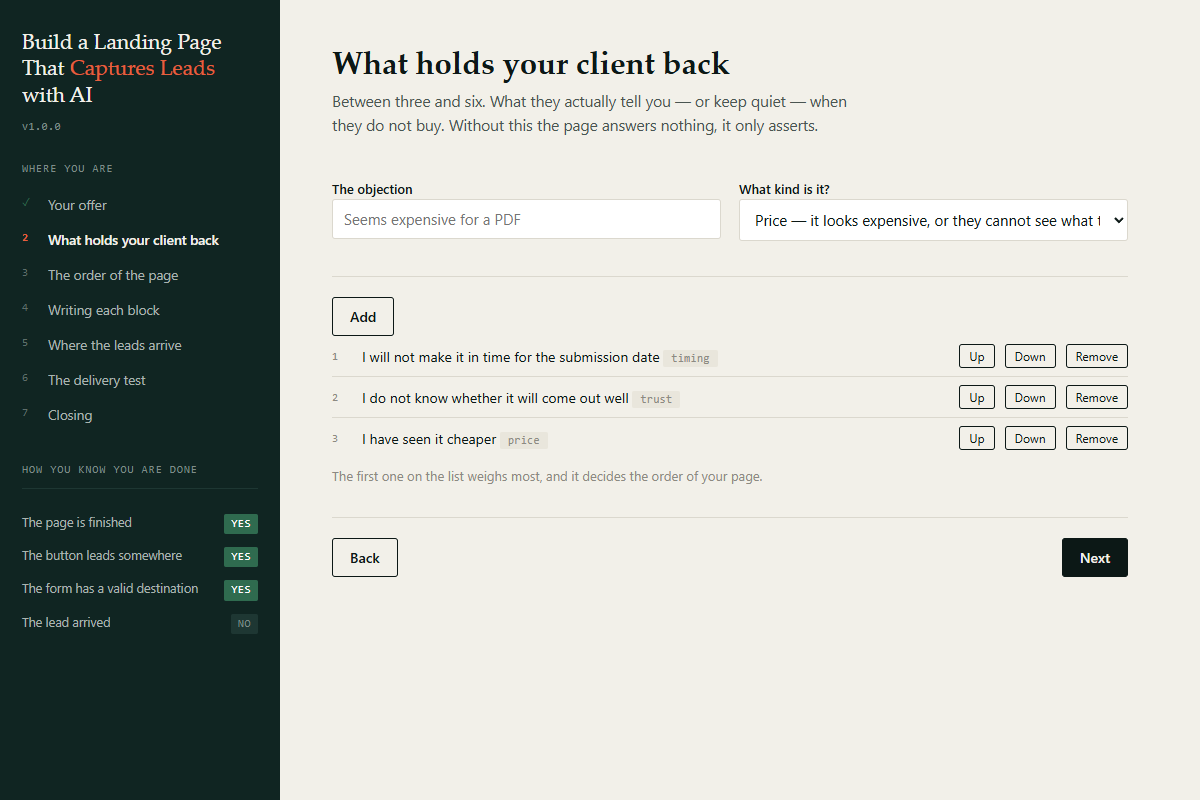
You state your offer and your client's objections, each with its weight.
The tool orders the seven blocks of the page around the main objection, always the same for the same input.
It composes the instruction for your AI, block by block; you paste and adjust the copy.
You state where the leads arrive, and it checks that the button and the form have a valid destination.
Delivery test: it issues a key for this run; you publish the page, send a test lead and paste what you received. Only then does "the lead arrived" become demonstrated.
landing.html (the page, which opens and works), the seven blocks in a text file, and the check record.
The order of the page comes from the heaviest objection, not from a template. Seven blocks, each with its instruction for your AI. Checks that the button and the form lead to a valid destination. The delivery test tells a finished page apart from a page that actually receives leads. Exports an HTML file that opens and works.
Professionals and businesses selling a service who need a page that receives leads
An HTML tool that runs in your browser: nothing to install, no account, no connection needed. Your data stays on your machine. You use it next to whichever AI you already have, in another tab; it does not include or require any particular one. It ships with a worked example to walk through first. You download a ZIP: unzip it and open EMPIEZA-AQUI.html (it means "Start here"; the page inside is in English). Individual professional license. Support for access, opening and operation: headgrowth@cesarbaz.com, answered within 2 business days.
It is not an agency design or a premium template. A finished page does not show that the lead arrives: that is only demonstrated by publishing it and sending a real lead, and the tool says so on its closing screen. It does not promise leads, sales or traffic.
Write Your Offer Page and Check for Yourself That the Lead Arrives
Sold individually. Not included in the three Acquisition / Growth / Revenue Systems bundles.
The final amount and applicable taxes are shown by Hotmart.
landing.html (the page, which opens and works), the seven blocks in a text file, and the check record.
An HTML tool that runs in your browser: nothing to install, no account, no connection needed. Your data stays on your machine. You use it next to whichever AI you already have, in another tab; it does not include or require any particular one. It ships with a worked example to walk through first. You download a ZIP: unzip it and open EMPIEZA-AQUI.html (it means "Start here"; the page inside is in English). Individual professional license. Support for access, opening and operation: headgrowth@cesarbaz.com, answered within 2 business days.
It is not an agency design or a premium template. A finished page does not show that the lead arrives: that is only demonstrated by publishing it and sending a real lead, and the tool says so on its closing screen. It does not promise leads, sales or traffic.
You do not need to buy everything. Choose only if that task is part of your next step.
If your landing page is built, check that tracking, events and CRM are connected.
See the next step →If AI has delivered work, check it against the brief before using it.
See the next step →