You declare the tools you already use and what they can really do.
AI × Marketing · 149 MXN
Which AI to Use for Each Job
Split Your Work Across the AI Tools You Already Have: Not a Ranking
One-time payment · individual professional license
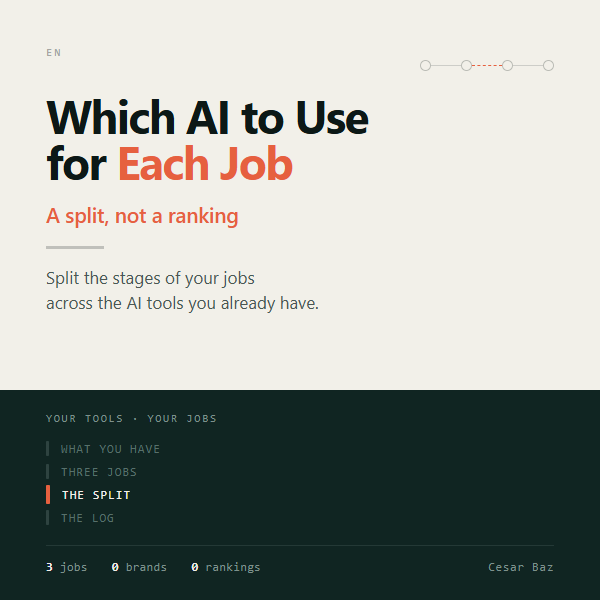
A split, not a ranking
Which AI to Use for Each Job helps you split the stages of your jobs across the AI tools you already have, by what each stage demands. It is not a ranking of the AI tools on the market or a list of which one is best this year: it names no brand.
3jobs
0brands
0rankings
How it works
You describe three jobs of yours and break them into stages, each with what it demands and with the bar it will have to meet, written beforehand.
The tool assigns each stage: to a tool, to you when judgment is needed (whoever produces does not review their own work), or marks it NO COVERAGE.
You run the work outside, with your tools, and come back to record what came out against the bar.
The log closes with the three jobs recorded.
What you take away
A package with the log, the split sheet, one instruction per stage and your declared tools: that is what you decide with next time.
What it offers
Splits by what each stage demands, not by brand: it does not expire when the market changes. Starts from the tools you already have. Flags what none of them covers and what you must do yourself. The bar is written before you run anything. Leaves you a log of three real jobs to decide with next time.
04
Who it is for
Professionals who already use several AI tools and want a sound way to pick one per stage
Format and use
An HTML tool that runs in your browser: nothing to install, no account, no connection needed. Your data stays on your machine. You use it next to whichever AI you already have, in another tab; it does not include or require any particular one. It ships with a worked example to walk through first. You download a ZIP: unzip it and open EMPIEZA-AQUI.html (it means "Start here"; the page inside is in English). Individual professional license. Support for access, opening and operation: headgrowth@cesarbaz.com, answered within 2 business days.
What it does NOT promise
It does not know how a job came out unless you record it, nor which AI is "the best". It is not an afternoon: it is three jobs of yours, actually run. It keeps working when the tools on the market change, because it splits by what each stage demands, not by names.
AI × Marketing
Which AI to Use for Each Job
Split Your Work Across the AI Tools You Already Have: Not a Ranking
Sold individually. Not included in the three Acquisition / Growth / Revenue Systems bundles.
Base price$149MXNBuy now↗
The final amount and applicable taxes are shown by Hotmart.
Before you buy
What do I receive?
A package with the log, the split sheet, one instruction per stage and your declared tools: that is what you decide with next time.
How do I use it?
An HTML tool that runs in your browser: nothing to install, no account, no connection needed. Your data stays on your machine. You use it next to whichever AI you already have, in another tab; it does not include or require any particular one. It ships with a worked example to walk through first. You download a ZIP: unzip it and open EMPIEZA-AQUI.html (it means "Start here"; the page inside is in English). Individual professional license. Support for access, opening and operation: headgrowth@cesarbaz.com, answered within 2 business days.
What are its limits?
It does not know how a job came out unless you record it, nor which AI is "the best". It is not an afternoon: it is three jobs of yours, actually run. It keeps working when the tools on the market change, because it splits by what each stage demands, not by names.